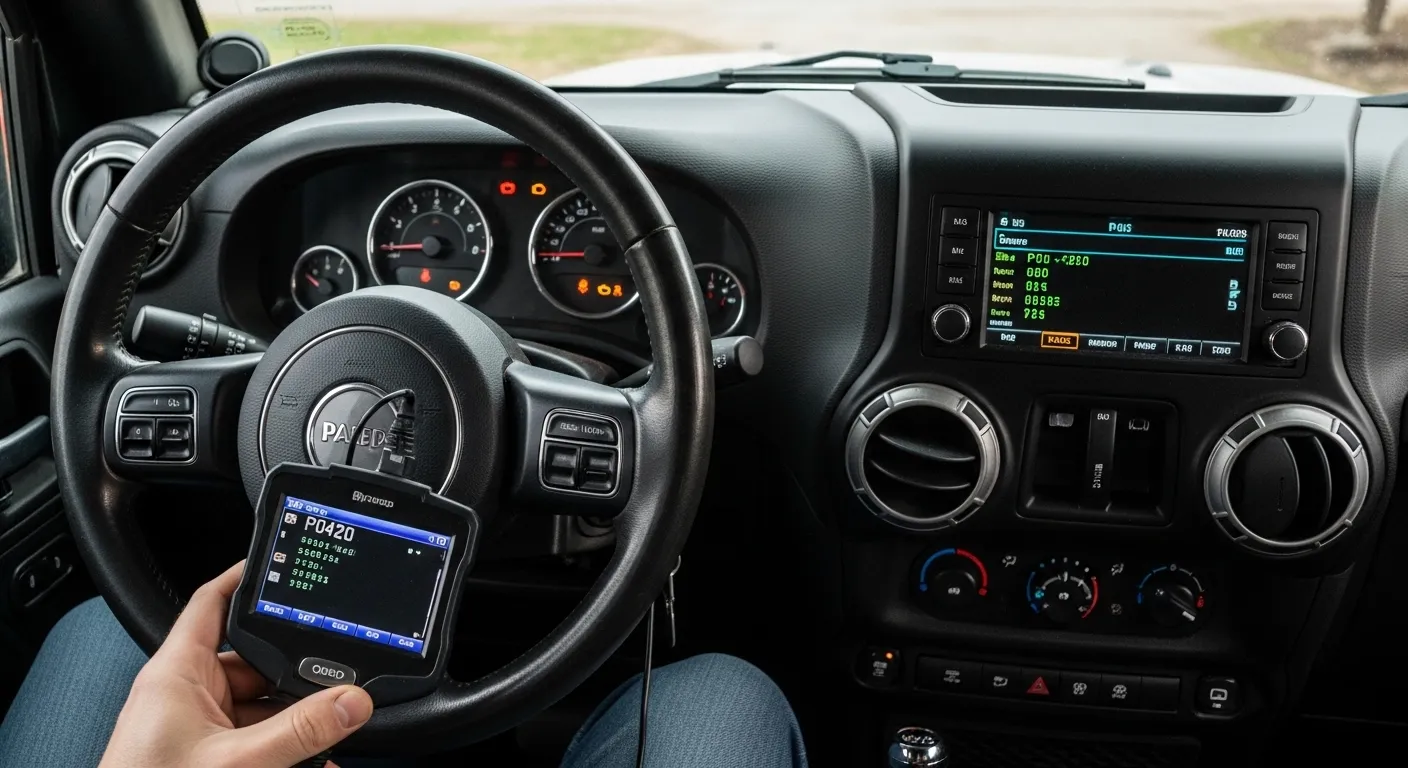
Comprehensive Guide to Nissan Altima Warning Lights
Understanding the Dashboard Color Code
Your Nissan Altima uses a specific color-coding system to communicate the urgency of a mechanical issue. Red lights indicate a critical failure that requires you to stop the vehicle immediately for safety. Yellow or orange lights are cautionary alerts suggesting that a system needs inspection soon but isn’t an emergency. Finally, green and blue lights simply inform you that a specific feature is currently active and functioning.
The Critical Engine Oil Pressure Light
The red oil can symbol is one of the most serious warnings you can see on your dashboard. It indicates that the engine has lost the oil pressure necessary to lubricate moving parts effectively. Consequently, continuing to drive could lead to total engine seizure and extremely expensive repair bills. You must pull over safely and turn off the engine as soon as this light appears.
Managing the Engine Overheating Warning
A red thermometer icon floating in liquid means your coolant temperature has reached a dangerous level. Overheating can warp engine components or blow a head gasket if the car is driven for too long. Therefore, you should pull over, let the engine cool, and never open the radiator cap while it is hot. Check for visible leaks under the car once the system has cooled.
Identifying Battery and Charging System Faults
The red battery symbol means the vehicle’s charging system is no longer providing enough electricity to run the car. This usually indicates a failing alternator, a broken serpentine belt, or a dead battery cell. Consequently, your Altima will eventually lose power and stall once the remaining battery charge is exhausted. You should turn off all non-essential electronics and drive directly to a nearby service station.
Braking System and Fluid Alerts
If you see a red circle with an exclamation point, your braking system requires immediate attention. This light may come on if your parking brake is still engaged or if brake fluid is dangerously low. Furthermore, it could signal a major hydraulic failure in the braking lines. Therefore, you should test your brake pedal feel and seek professional help immediately to ensure your car can stop safely.
Supplemental Air Bag System Warning
The red icon showing a seated passenger with a large circle indicates a fault in the airbag system. This means that in the event of a collision, your airbags may not deploy as intended to protect you. Conversely, the system could also trigger an accidental deployment in rare cases. Consequently, you must have a certified technician scan the system to reset the sensors and ensure your safety.
Deciphering the Check Engine Light
The yellow engine-shaped icon is officially known as the Malfunction Indicator Light and relates to emissions and engine sensors. A steady light usually means a minor issue like a loose gas cap or a faulty oxygen sensor. However, a flashing check engine light indicates a severe engine misfire that can damage your catalytic converter. Therefore, you should reduce your speed and seek a diagnostic scan.
Tire Pressure Monitoring System (TPMS)
The yellow icon resembling a horseshoe with an exclamation point alerts you to low air pressure in a tire. Maintaining proper pressure is vital for fuel efficiency, tire longevity, and stable handling during high-speed driving. Interestingly, cold weather often causes this light to trigger as the air inside the tires contracts. Consequently, you should check all four tires with a manual gauge and add air as needed.
Anti-lock Braking System (ABS) Faults
The yellow letters “ABS” signify that your anti-lock braking system has been deactivated due to an internal fault. While your standard brakes will still function, the system will no longer pulse the brakes during an emergency stop. This increases the risk of skidding on wet or slippery road surfaces. Therefore, you should adjust your driving style and leave extra following distance until the system is properly repaired.
The Master Warning Light Explained
A yellow triangle with an exclamation point is the Master Warning Light, acting as a general alert for various issues. When this light glows, you should check the vehicle information display located between your gauges for a specific message. It often accompanies other lights to draw your attention to low windshield washer fluid or a door being ajar. Consequently, it is the most frequent light you will encounter.
Low Fuel Level Warning Indicator
The yellow gas pump icon is a simple reminder that your Altima is running low on gasoline. Driving on a nearly empty tank can cause the fuel pump to overheat and draw in debris from the bottom. Furthermore, you risk being stranded in an unsafe location if you push the car too far. Therefore, you should find the nearest gas station and refuel as soon as possible.
Electronic Power Steering (EPS) Alert
A yellow steering wheel icon with an exclamation point indicates a malfunction in the power steering assist system. If this system fails, the steering wheel will become very heavy and difficult to turn, especially at low speeds. This can be dangerous when trying to navigate tight corners or parking lots. Consequently, you should have the electrical connections and steering motor inspected by a qualified Nissan mechanic.
Automatic Emergency Braking (AEB) Status
The icon showing two cars colliding usually means the Automatic Emergency Braking system is currently unavailable. This often happens if the radar sensor in the front grille is blocked by heavy rain, mud, or snow. Consequently, the car will not be able to automatically stop to prevent a front-end collision. Simply cleaning the front of your Altima often resolves this issue and restores your safety features.
Blind Spot Warning (BSW) Indicators
Modern Altimas feature lights on the side mirrors or A-pillars that glow when a vehicle is in your blind spot. If these lights flash or stay yellow while the road is clear, the sensors may be dirty or misaligned. Therefore, you should avoid relying solely on the technology and always check your mirrors manually. Keeping the rear bumper clean helps the radar sensors function at their best.
ProPILOT Assist and Lane Markings
When using ProPILOT Assist, you will see various green or blue icons indicating the system is tracking lane lines. If these icons turn yellow or disappear, the cameras can no longer see the road markings clearly. This often happens in direct sunlight, heavy fog, or on roads with faded paint. Consequently, you must take full control of the steering until the system regains a clear view.
Security and Intelligent Key Warnings
A small icon of a car with a key inside relates to the Nissan Intelligent Key and security system. If this light flashes, the car may not recognize your key fob due to a low battery or signal interference. You might also see this if you attempt to start the car without the key inside the cabin. Therefore, replacing the small coin battery in your key fob usually fixes the problem.
High Beam Assist Information Light
The blue headlight icon with lines pointing straight ahead means your high beams are currently active. Modern Altimas feature High Beam Assist, which automatically switches to low beams when oncoming traffic is detected by the cameras. If the light is green with an “A,” the automatic system is ready and waiting. Consequently, this helps you see better at night without blinding other drivers on the road.
Vehicle Dynamic Control (VDC) Light
A yellow icon of a car with squiggly lines indicates that the traction control or VDC system is active. This light will often flash briefly if you are driving on a slippery surface and the wheels begin to spin. However, if the light stays on constantly, the system has been manually turned off or has a fault. Therefore, you should ensure the system is on for maximum safety.
Transmission Position and Shift Alerts
The letters showing your current gear (P, R, N, D) are essential for ensuring you are in the correct driving mode. If these letters flash or do not appear, there may be a communication error with the transmission control module. Consequently, the car may not move or might enter a “limp mode” to protect the gearbox. Therefore, you should have the transmission fluid and sensors checked.
Proper Maintenance Reminder Lights
The Altima’s computer keeps track of your mileage and will display a wrench icon when it is time for service. This is a helpful reminder for oil changes, tire rotations, and air filter replacements based on your driving habits. Following these prompts is the best way to prevent the more serious red warning lights from appearing later. Consequently, regular maintenance ensures your Altima remains reliable for many years.